
Integration Details
The Timeero integration simplifies sending data between Timeero and ADP. Employee data is sent from ADP Workforce Now into Timeero and time and mileage entries captured in Timeero can be sent to ADP Workforce Now.
You can export time from Timeero to ADP through the API. Timeero will send the hours worked (Regular, Overtime, Double Overtime) and Mileage reimbursement (dollar amount).
ADP systems integrated
- ADP Workforce Now
ADP TotalSource®
ADP Workforce Now® Essential Time
Data flow
- Bi-directional data exchange
Access and sign-in
- ADP single sign-on: All users can sign in to Timeero using their ADP credentials. Purchasers and users assigned through ADP Marketplace can also sign in through the ADP Marketplace My apps page.
Data fields
- Timeero will send the following fields to ADP:
1. Employee regular, overtime and double overtime entries
2. Employee Mileage entries - Timeero will read the following fields from ADP:
1. Employee First Name
2. Employee Last Name
3. Employee Email
4. Employee Pay Rate
5. Employee ID
6. Company Name
Auto Clock-In/Out
When your team forgets to clock in or out, Timeero won’t. Create a geofence around your job site(s). Timeero automatically clocks in employees when they arrive on site, and out when they leave.
Restrict when Auto Clock-In/Out triggers when you customize your company’s Work Schedule settings.
Location Timestamps
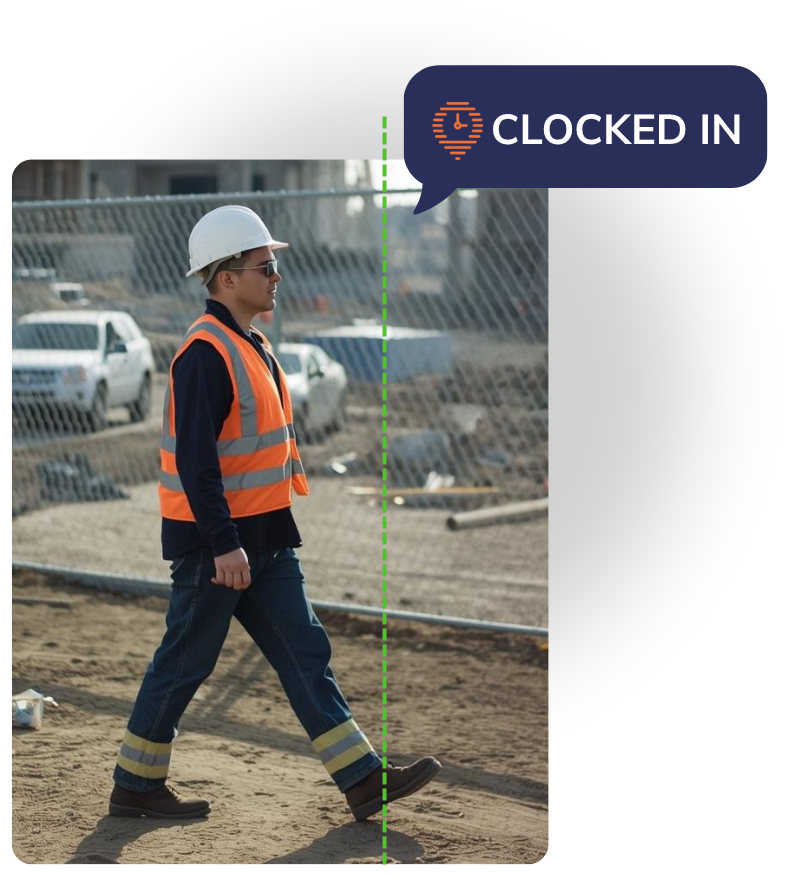
Automatic Reminders With Geofencing
- Geofencing allows you to create a virtual boundary that restricts your employee’s abilities to clock in outside of a defined zone. Help decrease missed time punches with automatic timestamps when utilizing geofencing.
Geofencing activates a higher level of accuracy with the use of reminders. When an employee enters or leaves a geofenced area, reminders are sent to prompt workers to clock in or out. Managers are also notified each time a worker enters or leaves the geofenced area, which encourages employee accountability and reporting accuracy.
Automatic Mileage Tracking
When an employee clocks in, Timeero begins tracking their mileage as soon as the predefined speed threshold (typically 4.7 mph) is met. GPS breadcrumbs are dropped every 150 ft. along an employee’s driving route, capturing driving speeds and location timestamps.
Automatically deduct commute mileage from daily totals for accurate mileage reimbursement.
Predefined Speed Threshold
- Timeero automatically starts tracking mileage once the speed threshold of 4 mph is reached. Any miles accrued below the speed threshold are not logged by the app. This reduces the likelihood of mileage being recorded during times of walking or waiting in traffic.
Commute Mileage Deductions
- Stop overpaying for mileage traveled between home and work. Timeero can automatically deduct travel distance between home and regular workplace.

Mobile App
Effortlessly track time and mileage all while managing your workforce with Timeero’s mobile app. Never lose valuable records with Timeero’s offline tracking capabilities.
Native iOS and Android apps
- Timeero’s mobile app is easily accessible through Apple and Android devices. Employees can conveniently track time, location, mileage, and view their schedules through the mobile app.
Offline Mode
- Timeero’s mobile app is designed to continue tracking and recording important data in the event your device goes offline. Once internet connection is restored, data stored locally is automatically synced with the cloud.

Scheduling & PTO Management
Timeero’s scheduling feature is a simple and powerful tool for workforce management. Create schedules, accommodate schedule changes with a convenient drag-and-drop feature, and sync your outside calendar source with Timeero to subscribe to schedule updates. Requesting time off directly through the app means you don’t need to keep track of any hand-written notes. When employees submit a time-off request, employers can approve or deny the request based on the information the employee provided in their submission.
Create & Assign Schedules
- Your team can create schedules to assign to other team members. Team members get a notification or email on their smartphones when they are assigned a schedule. Get rid of all the paperwork and manual scheduling by using the Timeero scheduling tool.
Accept or Decline Schedules
- Give your team members the opportunity to accept or decline shifts. A team member can click on "approve" or "decline" to accept or reject a shift assignment.

Kiosk with Facial Recognition
For businesses with a less mobile workforce, Timeero offers users a kiosk app available on iOS. To prevent time theft, the Timeero Kiosk app uses Facial Recognition technology to verify employees’ identities upon clock in. The app compares the photos taken at clock in, to stored profile photos to be able to confirm identity.
Time Clock with PIN
- Employees are assigned a unique PIN which allows them to to clock in and out of the terminal with ease. Employees can start tracking their time on the clock as soon as they start their shift and select a job or task assignment if required.
Facial Recognition
- Enable photo capture on the time kiosk to curb buddy-punching. When an employee clocks in, their photo is taken and then compared by AI against their company profile picture. If there is a mismatch, the timecard is flagged and management is notified.

Electronic Signatures
Electronic signatures hold employees accountable, and add an extra layer of security and transparency when it comes to timekeeping. At the end of the day, employees digitally sign off on their time cards, verifying work hours and assignment completion. For healthcare workers, patients can also sign off on time cards to confirm the visit took place.
Accountability with signatures
- The Signatures feature allows employees to get proof of work from their clients, physically sign their time cards. Employees can also sign their time cards for approval.

Custom Fields
Sometimes there are data points you want to collect outside of standard time and mileage tracking. Timeero’s Custom Fields allows you to ask your employees specific questions so you can capture the data your workforce needs. Custom Fields can be used to record inventory, maintenance logs, safety checklists, and even incident reports.
Route Replay & Breadcrumb Technology
Timeero’s Route Replay allows you to replay the exact driving routes your employees took while on the clock. Easily spot unauthorized stops and inefficiencies with the virtual Route Replay. You’ll also see GPS breadcrumb points that have been dropped along the path, displaying driving details such as driving speed, timestamps, and miles driven.
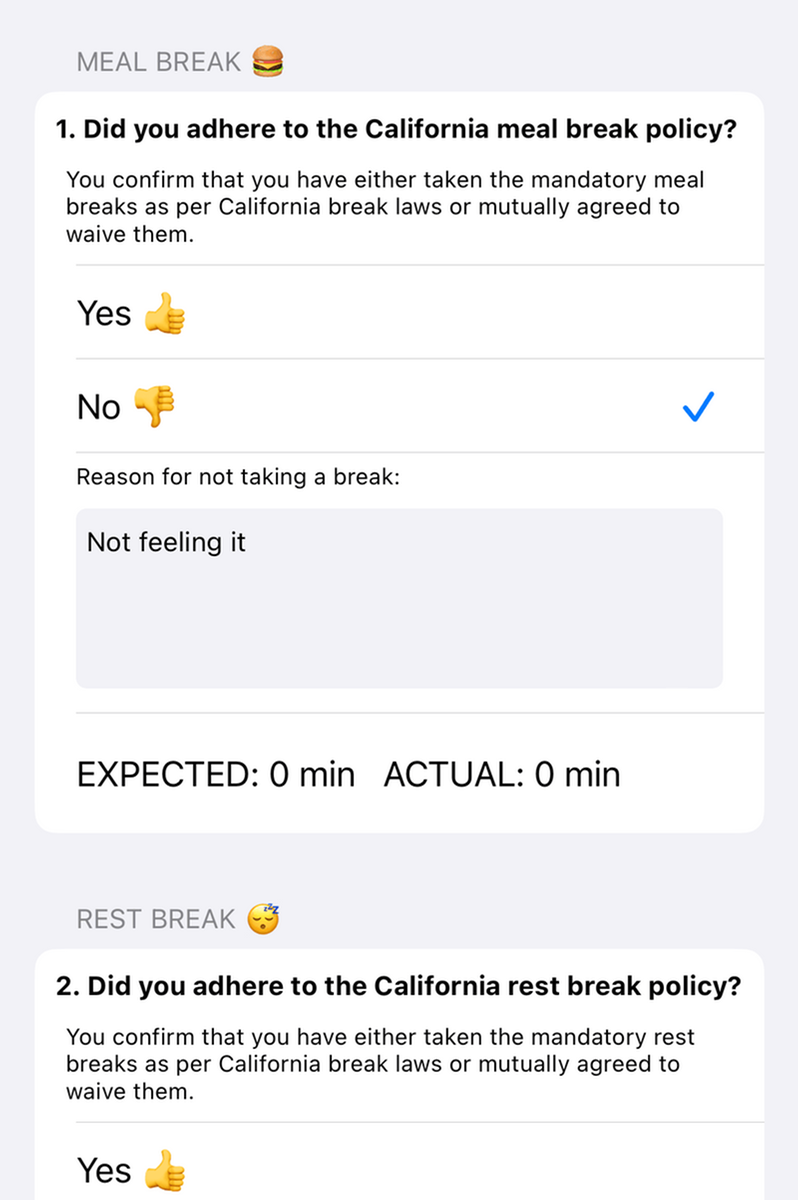
California Breaks Tracker
Toggle California Break Policy in your company settings and apply break rules to applicable employees for compliant break tracking. Employees verify whether they have taken their required breaks by filling out and electronically signing the Daily Attestation form at the end of their shift.
Generating a Daily Sign-Off report allows managers to address missed breaks before noncompliance turns into a dispute.
Offline Tracking
When work takes you to remote locations without stable internet connection, Timeero doesn’t stop tracking time and mileage. Records are stored locally on your mobile device while you’re offline and automatically sync to the cloud when internet connection is restored. Timeero’s offline tracking reduces costly gaps in timesheets and mileage records that add up at payroll.
In-App Messaging
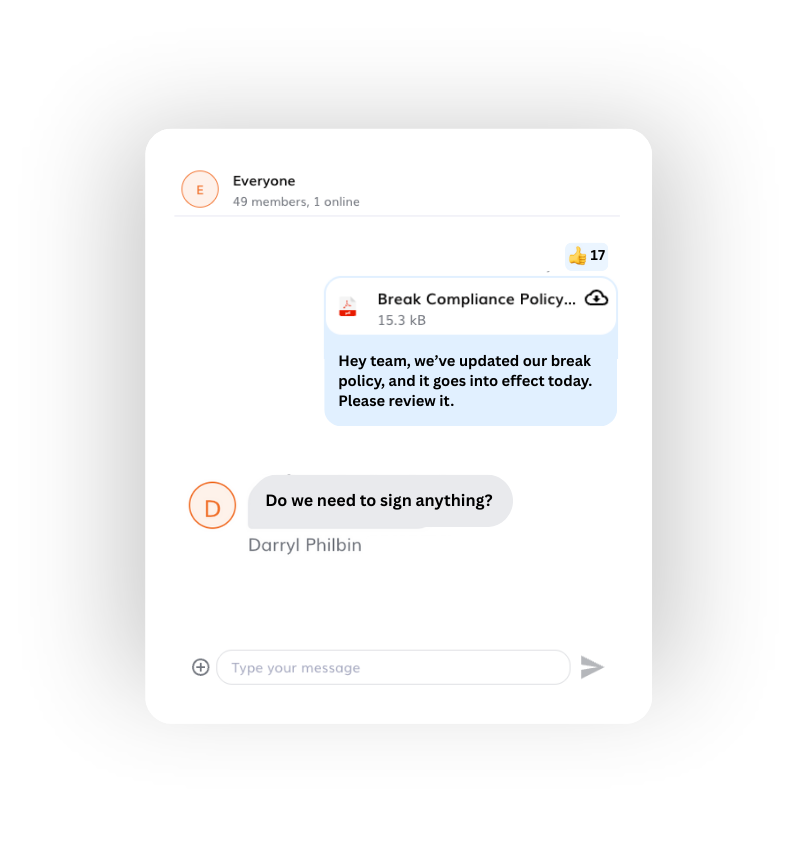
Using personal messaging platforms and third party apps like WhatsApp and TextNow for work-related discussions can expose your business to legal risks. Timeero’s In-App Messaging allows admins, managers, and employees to communicate with each other securely within the same app they use to clock in and out.
Access to chat history is revoked when an employee leaves the company, protecting private company information.
Geofencing Technology
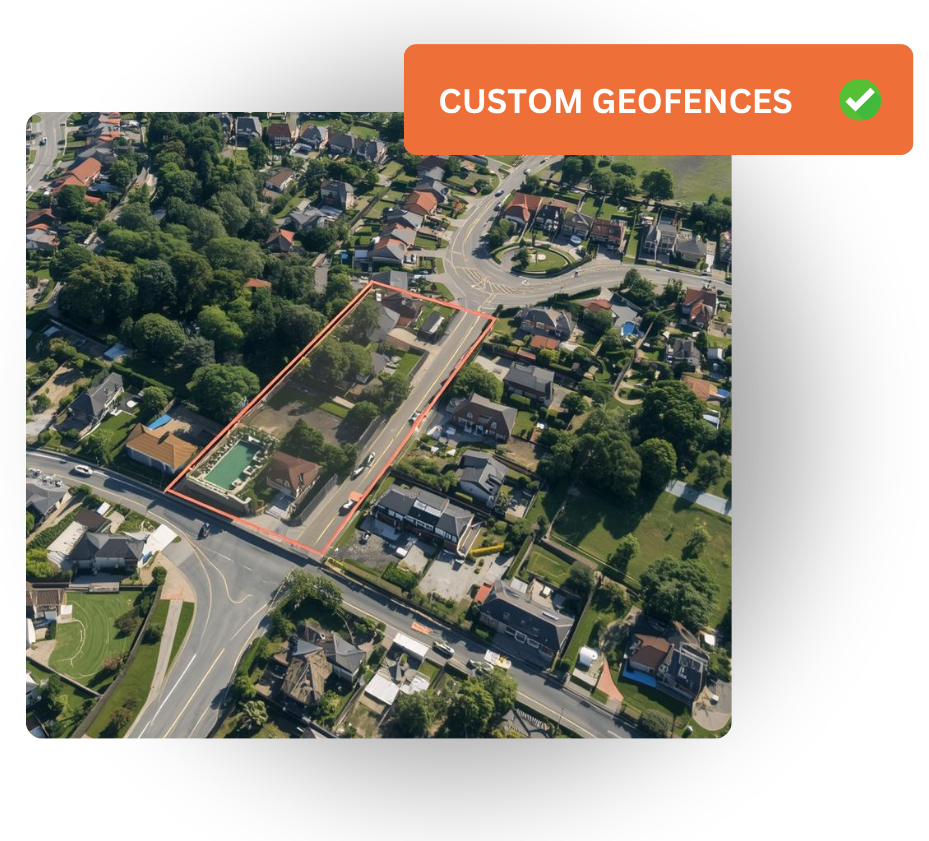
Draw circular or custom (polygon) geofences around your work sites for accurate time tracking. Help reduce time theft by restricting employees from clocking in outside of the geofence.
Help eliminate missed punches when you enable clock-out reminders and Auto Clock-In/Out that triggers when employees leave a geofenced area.
SOC 2 Type 2
Store your data safely. Timeero securely stores your important company information – timecards, company logs, GPS data.
HIPAA Compliant
All patient data is encrypted upon import and export. You control who has access to patient information across your company.
Timeero MCP
With Timeero MCP, you can use ChatGPT or Claude to work with the data in your Timeero account. Ask about your team, look into report details, and make changes in Timeero when you give the AI tool permission.
Frequently Asked Questions
Here are some commonly asked questions about Timeero.
Does Timeero track location 24/7?
- No. Timeero only tracks location while employees are clocked in. Once the timeclock stops, all tracking ends.
Can I transport the EVV data I recorded with Timeero to Sandata?
- Absolutely. Timeero allows you to integrate with Sandata to export EVV records. Just be sure to give our team a call to make sure Timeero is certified in your state.
Can employees edit their time and mileage logs?
- Employees are given the ability to make edits to their timecards and mileage logs. If you are concerned about “tampering”, Timeero has an auditing system in place that allows you to see who made each change on a timecard.
What happens on remote sites with no cell service?
- Timeero continues tracking time and mileage in areas with limited or no internet connection. Time and mileage data is stored locally on an employee’s device while offline, and syncs automatically to the cloud once connection is restored.